Webdav
How to use goshs as webdav server
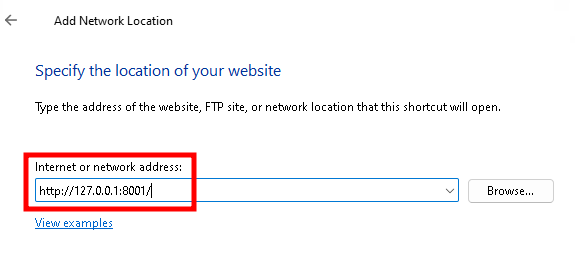
You can use goshs to also provide the files using the webdav protocol by using -w. The default webdav port is 8001 and can be changed using -wp.
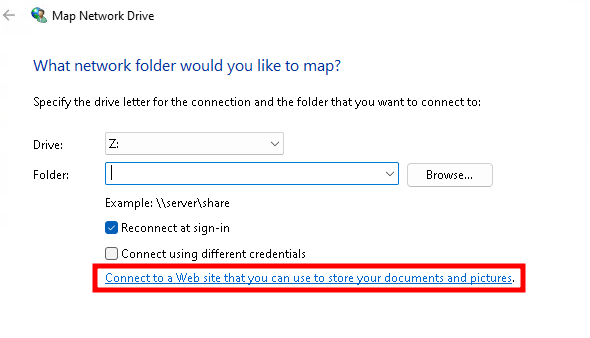
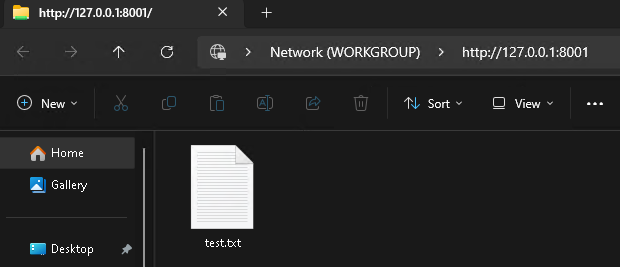
The following screenshots will show an example usage on Microsoft Windows.
The webdav mode will also use authentication, if you incorporate -b/--basic-auth and choose a username and password.
# WebDAV on default port 8001
goshs -w

# WebDAV on a custom port with authentication
goshs -w -wp 9001 -b user:password