Share Links
When using authentication with -b (Basic Authentication) or -ca (Certificate Authentication) you can share files with someone without giving them credentials.
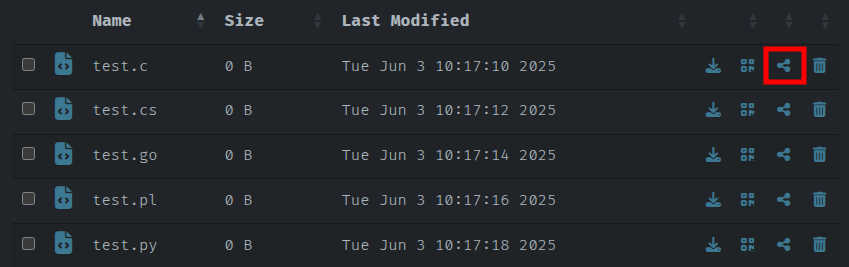
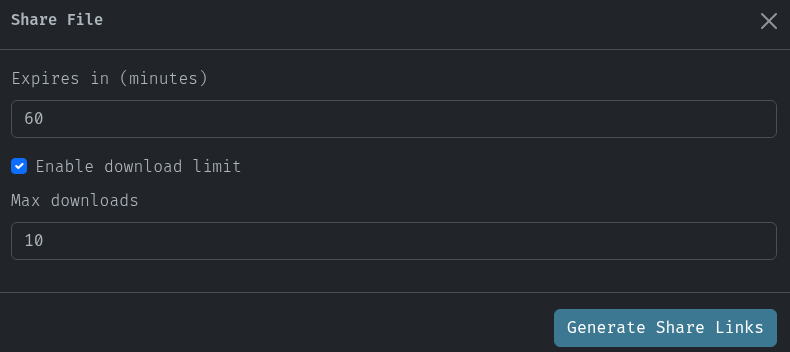
Now you can set a time limit in minutes and if you like a download limit. The defaults are 60 minutes and unlimited downloads.
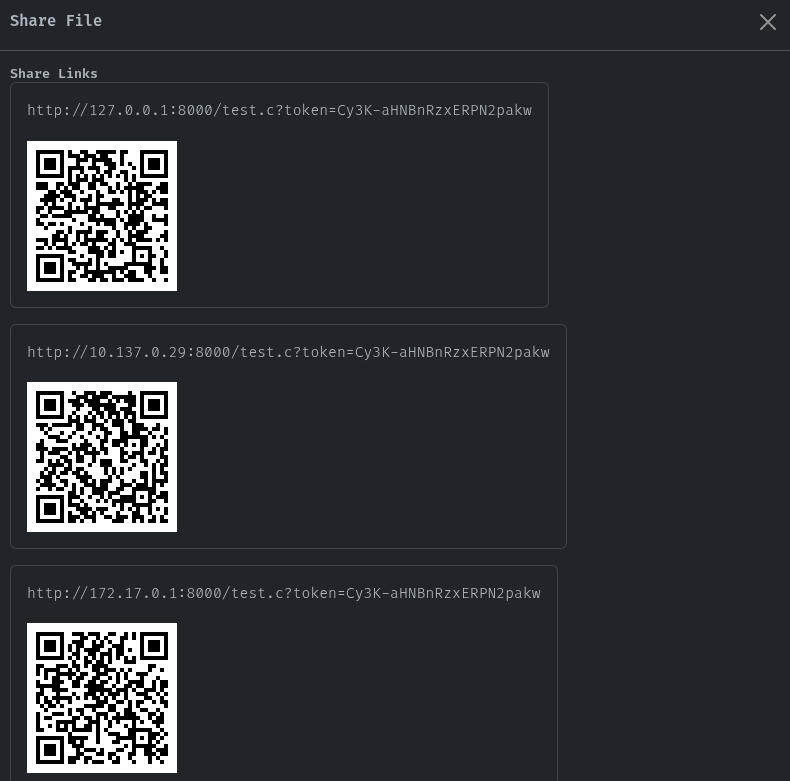
After submitting with the button Generate Share Links you will be presented with the links that you could provide to someone and with QR Codes for mobile devices. The number of links that will be generated will depend on the interface you chose to run goshs on, if any.
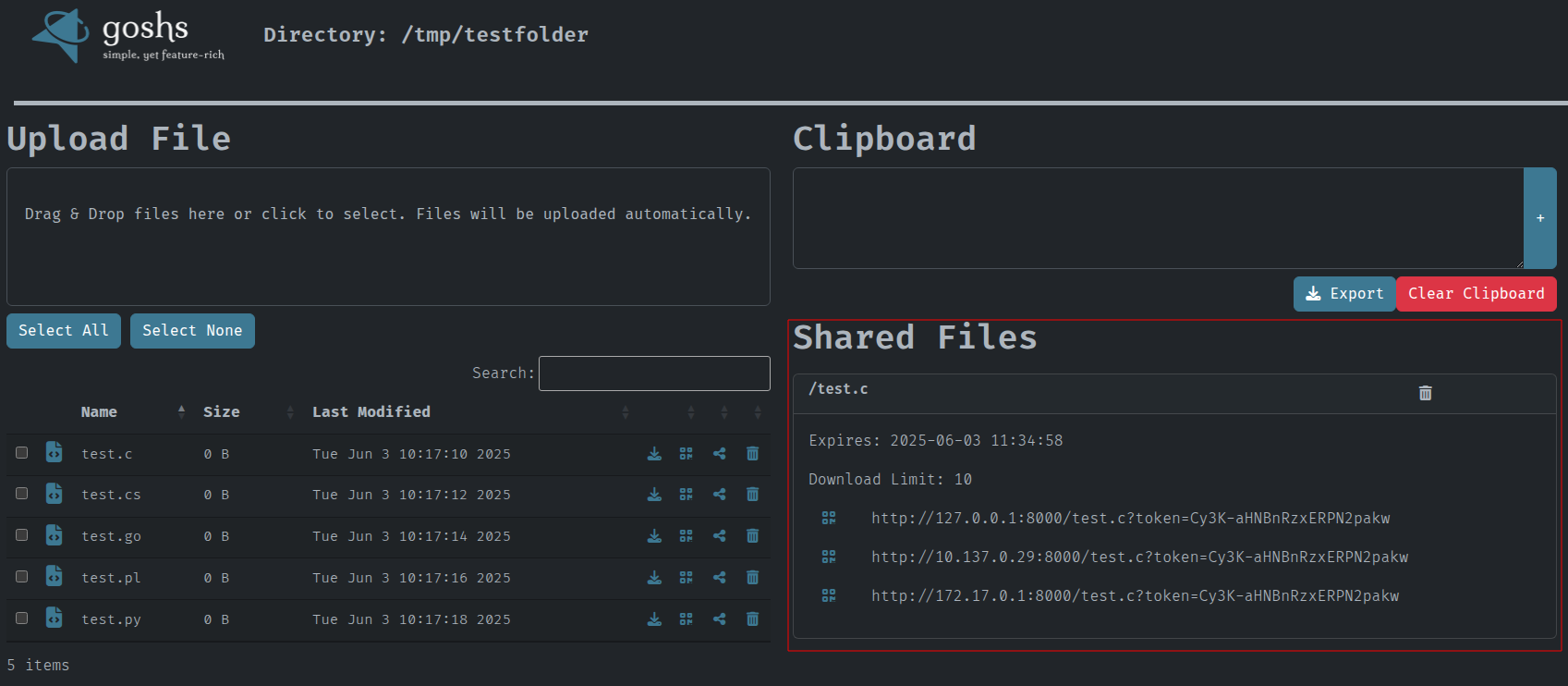
Also a new area appears where you can control the shared links. You can either delete them or retrieve the QRCode and the share link again.
If you share a folder instead of a file the link will trigger a download of a zip file containing the folders content.